
Admissions: every enquiry followed up, every student enrolled cleanly
From first enquiry to enrolment: follow-ups, applications, student IDs and admission trends.

What is Admissions?
The iSchool admissions module tracks a family from the first enquiry to confirmed enrolment. It records enquiries, schedules follow-ups, manages applications, generates a unique student ID and keeps one profile for every student from day one.
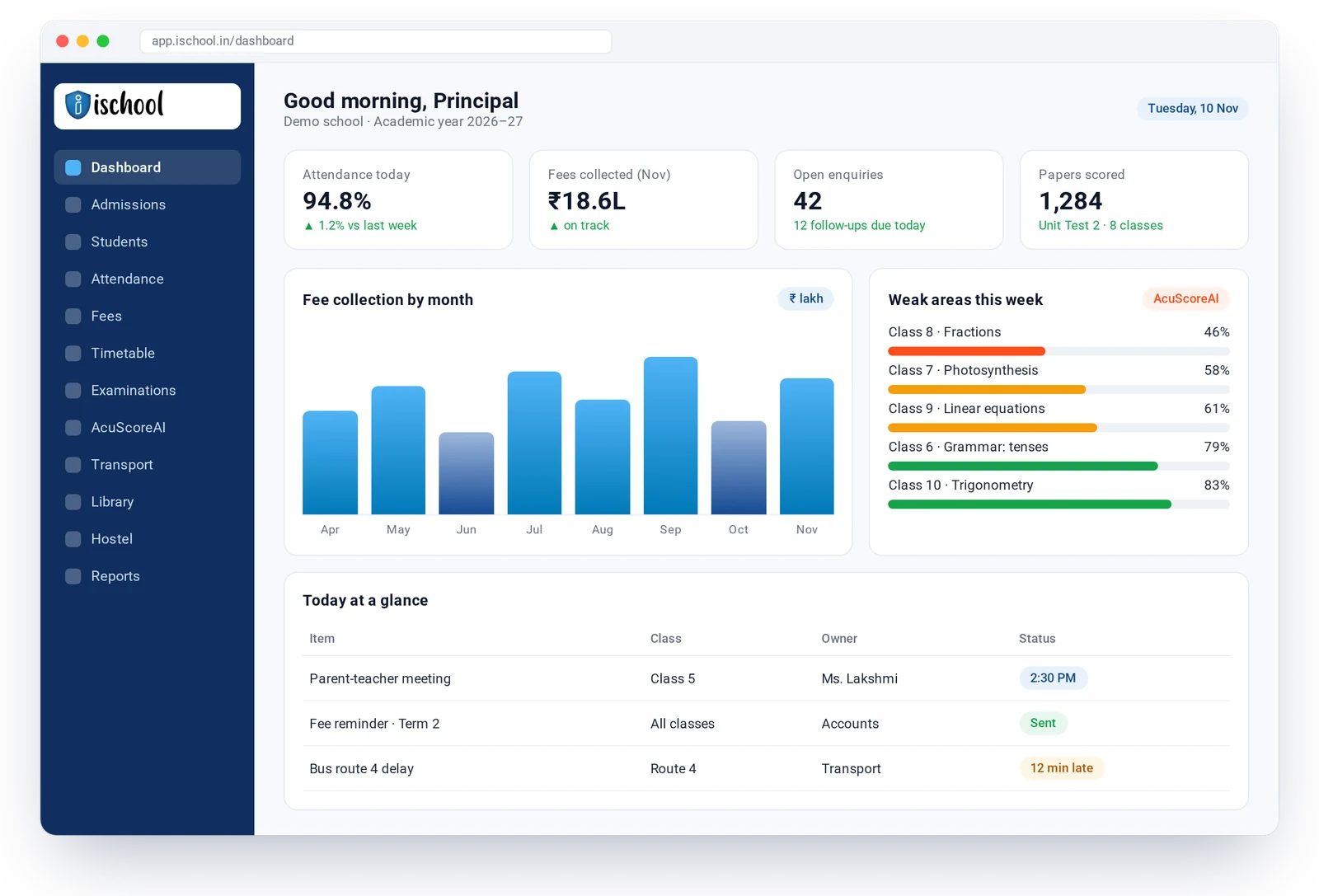
What Admissions includes
- Enquiry capture and follow-up reminders
- Online application forms
- Enquiry and admission trends
- Unique student ID generation
- Detailed student profiles
- Bulk upload of student data
- Custom search and reports
- Alerts to parents and students
How Admissions works
Record the enquiry
Capture the family’s details from a walk-in, call or web form.
Follow up
iSchool reminds staff when a follow-up is due.
Apply and confirm
The family completes the application and the school confirms the seat.
Enrol
A student ID and profile are created and fees are set up automatically.
Admissions: questions answered
What does the iSchool admissions module do?
It manages the whole admission process: enquiries, follow-ups, applications, confirmation and enrolment, with trends that show where enquiries come from and how many convert.
Can we import existing student records?
Yes. Student data can be bulk-uploaded, and our team helps with migration during onboarding.
Works well with
AcuScoreAI
AI scoring of answer sheets that also shows each student’s weak areas, with the teacher in charge of every mark.
Learn moreAcademics & Timetable
Clash-free timetables, syllabus tracking by class and branch, homework and lesson progress.
Learn moreExaminations & Progress Cards
Exam set-up for any pattern, online exams, question bank and custom progress cards.
Learn moreSee iSchool with your own school’s data
Book a 30-minute walkthrough. We will show you the modules you need and AcuScoreAI on a sample of your papers.